
 '' below to open each section, or the large icon above right to open up all sections below.
 If you find yourself a little lost the Home icon will take you back to the beginning.
 Perhaps the easiest way to get started is with the Family Tree diagrams. The Tree icon will take you to them.
 Another way to explore is to use the Name Index which lists everyone, grouped by surname. Clicking on a person's name will bring up a page with their details.
 Similarly there is a Family Index.
 This icon will display a Google map showing the locations associated with people in this report, but only for places where the author has provided latitude and longitude coordinates. The icon
  following the name on individual and family pages will show map of locations associated with that individual or family.
This page is within a frameset. View the entire genealogy report of , or surname index or report summary.
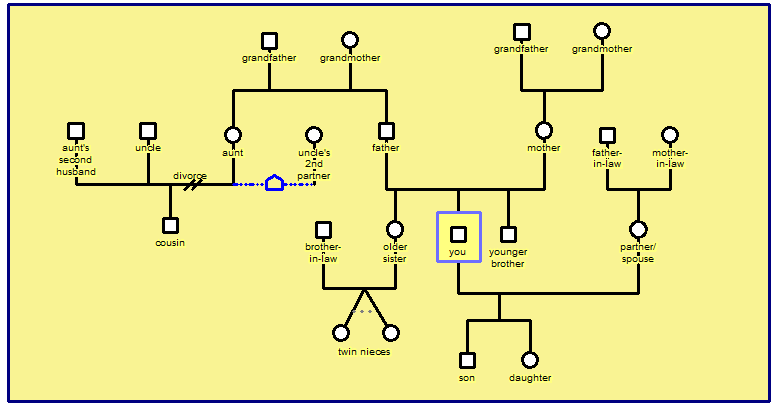
Creating a Genogram.
Copyright © 2007 GenoPro Inc. All rights reserved.